
 Webinar Cafe
What is a webinar?
From the Cafe Counter ·
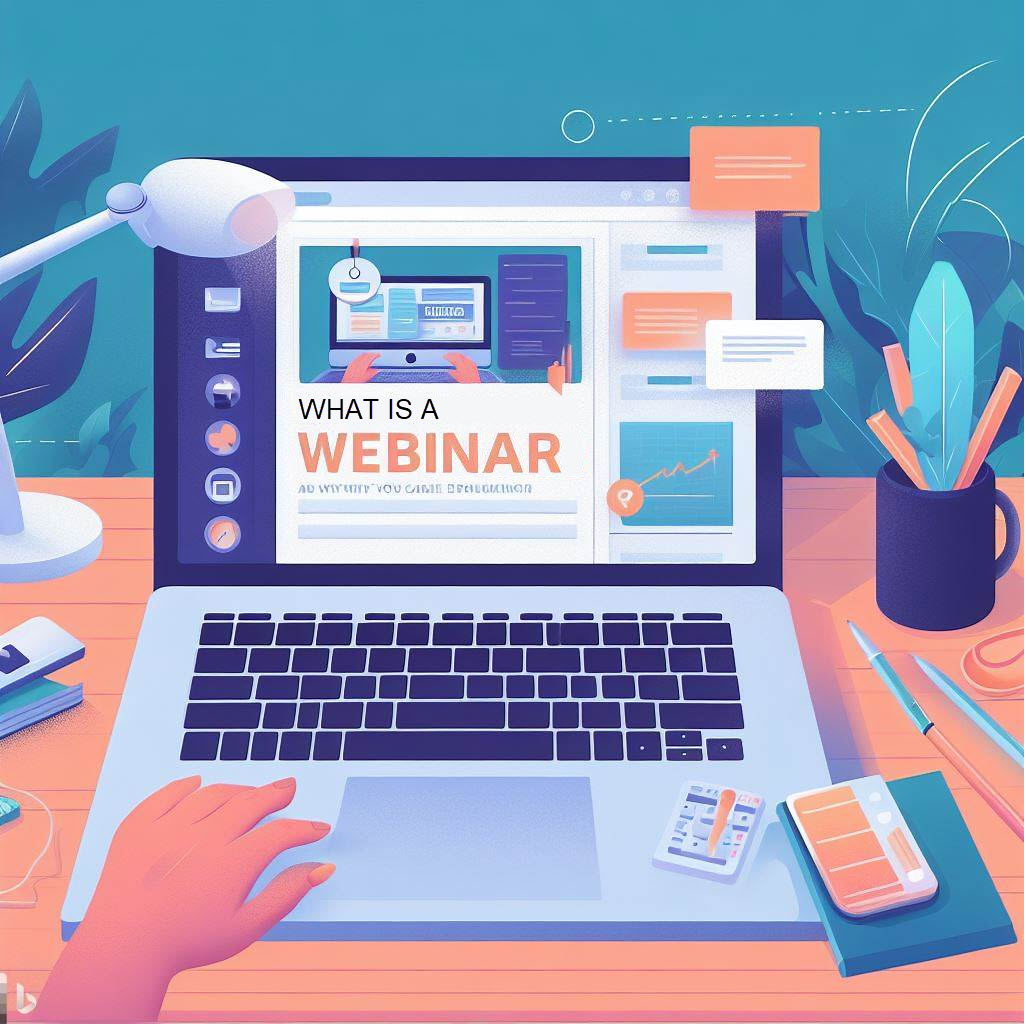
A webinar is a seminar, presentation, or workshop held online. You join through a link and watch a presenter explain a topic, usually with slides, video, or a screen demonstration. In a live session, you may also be able to ask questions, answer polls, or join a discussion.
The word combines "web" and "seminar." Organizations use webinars for training, product demonstrations, professional education, and conversations with customers. For attendees, the appeal is straightforward: you can learn from someone without traveling to the same room.
What happens during a webinar?
A typical session starts with a short introduction, moves into the presentation, and leaves time for questions. Some hosts answer questions as they arrive; others collect them for the end. The invitation should explain the topic, intended audience, length, and whether the event is live.
You will often register first, then receive a confirmation email with joining instructions. Keep that email. A listing or registration page is not always the link you need to enter the session.
Webinars usually give presenters more control than an ordinary video meeting. Attendees may start with their cameras and microphones off, using a question box or chat instead. Small workshops can be more conversational. Check the host's instructions before assuming that everyone will be on camera.
Live, recorded, and on-demand sessions
A live webinar happens at a scheduled time. Its main advantage is the chance to ask a question while the speaker is there. If that matters to you, check whether the agenda includes Q&A.
An on-demand webinar is available to watch when it suits you. It may be a recording of an earlier event or a presentation recorded for later viewing. A scheduled broadcast can also use prerecorded material, so a date on the invitation does not by itself mean the speaker will answer live.
Recordings are useful for revisiting a difficult explanation or catching up after a missed event. They are not guaranteed. Before registering, look for replay availability, access deadlines, and whether the slides or transcript will be shared.
What do you need to attend?
- A computer, tablet, or phone supported by the host's platform, with a reliable internet connection.
- Speakers or headphones. A microphone is only necessary if you expect to speak.
- The joining link and, where required, an account, app, or access code.
- A few minutes before the start to check sound and resolve sign-in problems.
Some webinars run in a browser; others ask you to install an app. Check this in advance if you use a work device with installation restrictions. If you need captions, accessible materials, or another accommodation, ask the organizer before the event.
Is a webinar worth your time?
Choose by the question you want answered. A session on building a first forecast is different from an advanced discussion of forecasting errors, even if both use the same broad topic label. Read the agenda and the speaker's background, and check whether the session is educational, a product demonstration, or a mixture of both.
Online attendance avoids travel and can make speakers easier to reach. It also has limits. Networking depends on the format, technical problems can interrupt the session, and watching slides is not a substitute for hands-on practice. Some events are free; others charge a fee. Neither price nor format tells you how useful the teaching will be.
For organizers, questions, polls, and feedback can reveal what the audience needs help with. For attendees, a useful habit is to write down one question beforehand and one action afterward. That gives the session a purpose beyond adding another recording to your bookmarks.
Browse webinars on Webinar Cafe, open a listing that matches your interests, and check the publisher's registration page for the final event details.