
 Webinar Cafe
Top 10 ways to promote your webinar in 2027
Webinar Cafe · Published · Updated

Start with three places you can put the invitation this week. Send it to the subscribers who care about the topic, give your speaker something worth sharing, and ask one newsletter editor about a slot. If you're hosting a workshop on stock forecasting, a room full of shop owners is worth more than a post that racks up views among people who'll never use a forecast.
Keep something in reserve for the final week. Nearly two-thirds of registrations in one 2026 dataset arrived in those last seven days.[1] A good second invitation might show the worksheet, introduce a guest, or answer the question people keep asking about the session.
1. Email the people who already care
Pull a segment from your subscriber list based on what they signed up for. Send the workshop to readers of your retail operations newsletter or past attendees of your purchasing clinic. For existing customers, write a separate version if they'll see how to do the work in your product.
Try a subject line like "Build a 30-day stock forecast on Thursday." About a week later, share a screenshot of the worksheet with one column filled in. Give readers one public registration link, then skip people who've already signed up when you send the next invitation.[3]
Email ranked among the top three registration channels for 86.3% of teams in one survey. Webinar invitations had a 9% click rate in a separate dataset. Count completed registrations from your own sends to see which audience and message worked.[4][5]
2. Send personal invitations
Think of ten people who have asked about the problem. Ask the account manager, trainer, or coworker who already knows each person to send a short note. Try "You mentioned that holiday orders are hard to forecast. We're doing a live walkthrough Thursday, and I thought the worksheet might help." Put the date and public signup link right below it.
Give the recipient an easy way to forward the invite to the person who actually does the ordering. One in five people in an attendee survey said they heard about a webinar from a colleague or peer.[2]
3. Ask your speakers to share with their networks
Get one specific commitment while you're booking the speaker. A practitioner can share the session with their professional network, mention it in their newsletter, or invite members of a group they run. Put a date on the calendar for that share.
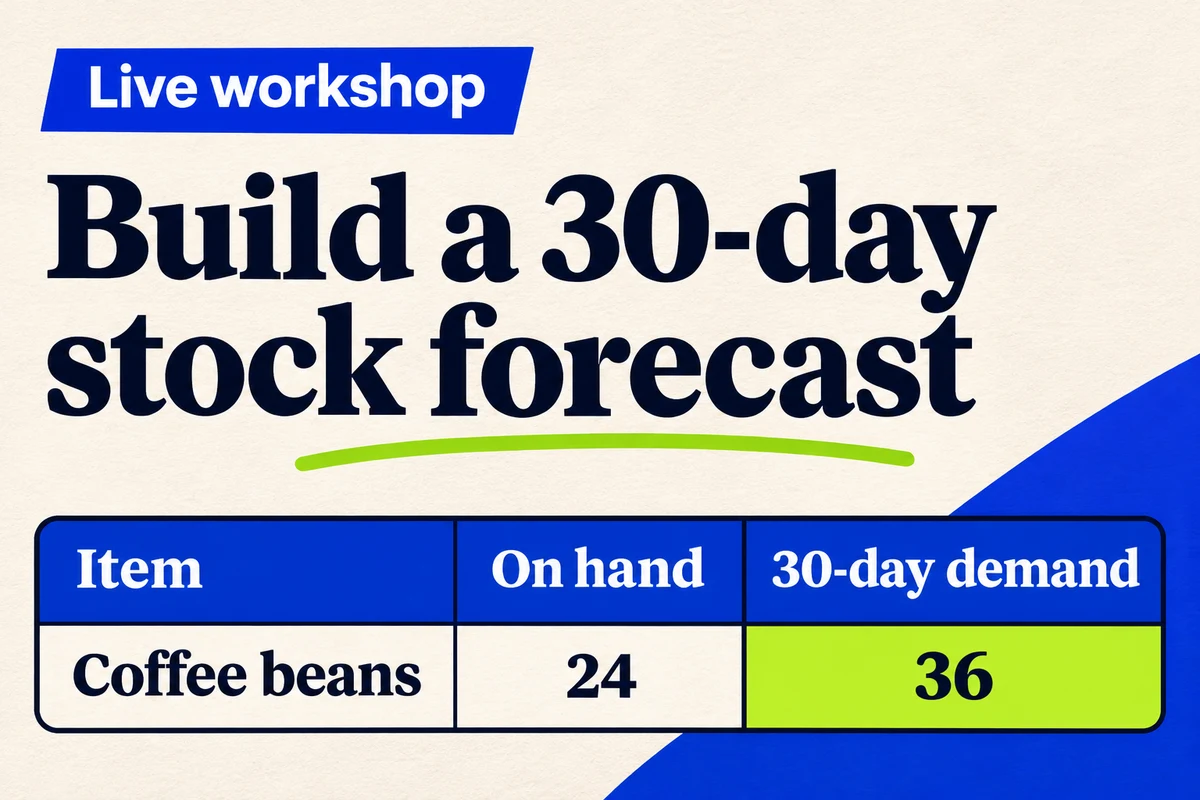
Send one image like the sample teaser below, the event details, a tagged link for that speaker, and a prompt they can answer in their own voice. For the shop owner teaching forecasting, it might be "What do you check before you reorder something that sold out last December?" The answer gives their followers a preview of the person they'll hear from.
4. Co-host with a partner who will bring an audience
Find an organization that serves the same people and can add something to the workshop. An inventory educator and a local retail association could run a session together. The educator brings the worksheet. The association contributes a member's example and sends the invite to its members.
Agree on who sends each invitation and when, who handles registration and follow-up, and what attendees should expect to receive. Give each organization its own signup link. A date and a named sender are more useful than a promise to "help promote."
5. Post a preview on LinkedIn
Film the bit you'd show a coworker over their shoulder. "Here's why last December's sales are a bad starting point for this December's order." Show the spreadsheet cell, explain the mistake, and invite people to the full workshop. Try a 30- to 60-second clip and check the captions on a phone with the sound off.[6]
Use the speaker's profile or a company page your audience already follows. Give a plain-text post a try too. Answer a real question in the post and end with the date and registration link. If you use a LinkedIn event, check that someone who RSVPs can see how to register for the actual webinar.
6. Share it in a community that welcomes events
Find the Slack workspace, forum, or member group where people already trade advice about the topic. Read the rules and ask a moderator where event posts belong. Look for a regular events thread or a channel for workshops.
Give members something they can use in the post. Share two checks from the forecasting worksheet, explain who the session is for, and include the signup link. If there will be a product demo, say so. One relevant community is enough to find out whether the approach is worth repeating.[3]
7. Get a slot in a niche newsletter
Look at the last few issues of a newsletter your audience reads. A trade publication with a weekly training section is an obvious place to start. Pitch two sentences the editor could paste in, a small image if the format allows it, and a link they can check. If the workshop is timely, say why their readers need it this month.
Reserve space early. For a paid slot, ask about the readers' roles, typical link clicks, and the publication date. Give the placement a tagged link so you can compare the actual registrations with the fee.
8. Submit it to event calendars and directories
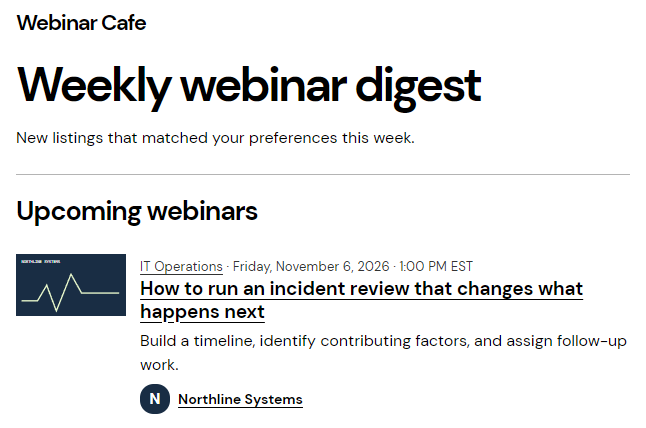
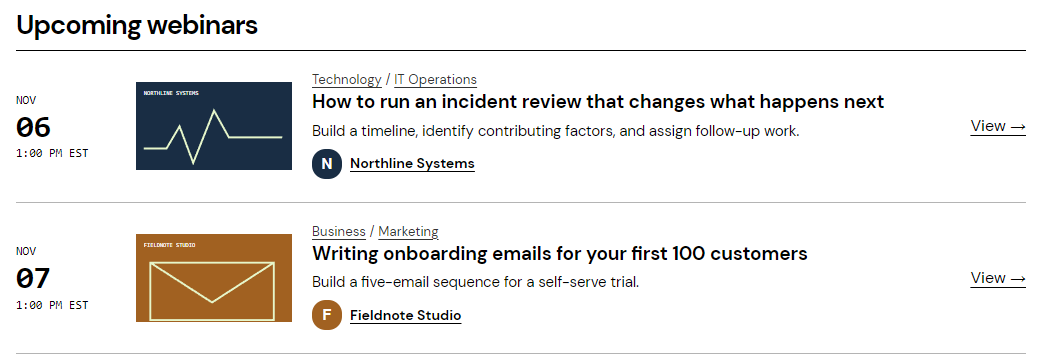
Start with your industry's association calendar and a webinar directory. Send the format, topic, host, date and time zone, price, and the public registration link. Submit before the calendar's cutoff and open the public listing to make sure it sends readers to the right place.
You can submit an event to Webinar Cafe or see our paid promotion options. Keep your listings up to date if the event moves. Record directory referrals when that's all your signup tool can measure.
9. Run search ads for the problem you teach
Try search ads if people already look for help with the job. For the inventory workshop, a query like "retail inventory forecast template" gives you a clearer idea of what the searcher wants than a broad term like "business webinar." Write an ad that names the live workshop and the worksheet, and send it to the registration page for that session.[3]
Set a spending cap before you launch. Say a click costs $4 and one in five visitors registers. That works out to $20 per registration. If two in five registrants attend live, it's $50 per live attendee before staff and production costs. Use your own numbers to set a limit. The webinar ROI guide walks through the rest of the costs.
10. Test paid social with a specific audience
Paid social can put the invitation in front of the people you need even if they've never looked for your webinar. Pick one audience you can describe clearly, such as retail operations managers, and one channel where you can reach them. Test a captioned speaker clip against a still image like the forecasting worksheet teaser.
Make a test signup and check that your conversion event fires on completion. Once the campaign is running, compare the cost and the people who sign up. If the ads are drawing students and consultants and you wanted store operators, tighten the audience or change the example in the ad.
A quick checklist before and after the invites go out
- Before launch, give people a specific reason to attend, put the date and time zone beside the signup, and register once on your phone. Add the invitation to the most relevant page on your website, such as the guide the workshop builds on.[2][7][8]
- Once people sign up, give them a calendar hold and put the join link at the top of the reminder. An hour before the event is a reasonable time to test.[1] The attendance guide covers the rest of that workflow.
- Afterward, send the replay with a timestamp worth clicking. Share a short excerpt with people who missed the event, and give them one link to the recording or the next session.[7][9][10]
A promotion calendar for your next webinar
- Three to four weeks out, agree on who will share the invite, pitch newsletter editors, and check listing deadlines.
- Two weeks out, send the first email and personal invites. Submit the listings and hand speakers and partners their share links.
- In the final week, post a clip or worksheet preview. Ask a partner who hasn't shared yet to send their invite and check which channels are bringing sign-ups. Leave registration open through the start if your setup supports it.[4]
- On the day, post a last call where it fits. Once the replay is up, ask your best-performing partners if they'll share it.
A scorecard you can use next time
Give email, partners, listings, and ads separate tagged links and make one test signup to see what your registration tool captures.[11] For each source, record page visitors, valid registrations, unique live attendees, and spend wherever you can measure them.
Suppose 1,000 people visit the page, 200 sign up, and 80 join live. That's 20% page conversion and 40% live attendance. If 30 people who missed the event watch the replay, you've reached 110 unique viewers. Count anyone who watches twice just once in that total.
Lots of visitors and few registrations? Try the form on your phone again and look at who's sending the traffic. Plenty of sign-ups and a quiet live room? Start with the time slot, calendar invite, and join instructions. Change one thing on the next comparable event so you can see what helped.
Frequently asked questions
How soon should I start promoting?
Start about two weeks before a routine webinar. Give a large launch or a partner event more time, especially if you need to book a newsletter or get several people to approve the copy.
How do I promote a webinar for free?
Invite your subscribers, send a few personal notes, ask speakers and partners to share, and use communities and calendars that accept relevant event posts.
How much should I spend on ads?
Work backward from a result you can justify. A $500 test at $20 per signup would get 25 registrations. At a 40% live show-up rate, that's ten live attendees. Decide whether ten people from that audience would make the test worthwhile.
What is a good live attendance rate?
Start with the last few sessions you ran for a similar audience. For context, one platform reported a 47.7% average live show-up rate across its 2025 sessions. Check what your tool counts as live attendance before comparing.[12]
How do I promote a webinar without an email list?
Start with a co-host who has a reason to invite their audience. Then pitch one trade newsletter and submit the event to a calendar your audience uses. Ask your speaker to post a short preview that shows what people will learn.
How many emails should I send?
Try an announcement and a follow-up with something new. Registered attendees get a confirmation and a reminder with access details. Watch sign-ups, attendance, and unsubscribes before adding another send.
Should I use LinkedIn ads or organic posts?
Start with a speaker post if the audience already follows them. Buy a small test if you need to reach a different audience and can track what it costs to get relevant people into the session.
Should I pay for a newsletter placement?
Consider it if the newsletter reaches the people you want and the placement will run before your event. Ask for an example placement and typical click numbers, then set a budget and measure registrations from its link.
Can AI help with promotion?
Use it to find potential clips, draft captions, or try a few subject lines. Check names, numbers, quotes, and captions against the recording before anyone sees them.
Where does Webinar Cafe fit?
Use it to give people outside your email list another way to discover the event. Submit a webinar once your registration page is ready.
Footnotes
- WebinarGeek, Webinar Benchmark Report 2027, pp. 4 and 6. 2026 platform data. ↩ ↩
- Zoom, How to promote a webinar. Registration page guidance and survey of 1,000 attendees. ↩ ↩
- Vimeo, Webinar promotion examples. Email, community, and paid promotion. ↩ ↩ ↩
- Livestorm, Webinar Benchmarks 2026. Channel survey and registration timing. ↩ ↩
- BigMarker, 2025-2026 B2B Webinar Benchmark Report, p. 7. Invitation email click rate. ↩
- LinkedIn, 13 tips for B2B video. Mobile viewing and captions. ↩
- GoTo Webinar, How to create and host a webinar. Website promotion and replay follow-up. ↩ ↩
- Google Search Central, Creating helpful, reliable, people-first content. ↩
- Goldcast, 2026 B2B Webinar Benchmark Report. On-demand availability in 2025. ↩
- Wistia, 2026 State of Video webinar recap. Replay and clip distribution. ↩
- Google Analytics, Traffic-source dimensions and campaign tagging. ↩
- Livestorm, How to host a webinar, and its 2026 benchmark report. Live attendance across 33,786 sessions. ↩
Refreshed with AI assistance. Examples are illustrative unless a source is named.